Integrations
Multiplayer is designed to work seamlessly with your existing tools and workflows. Whether you're using coding assistants, observability platforms, development tools, support systems, or collaboration software, Multiplayer integrates into your stack without disruption.
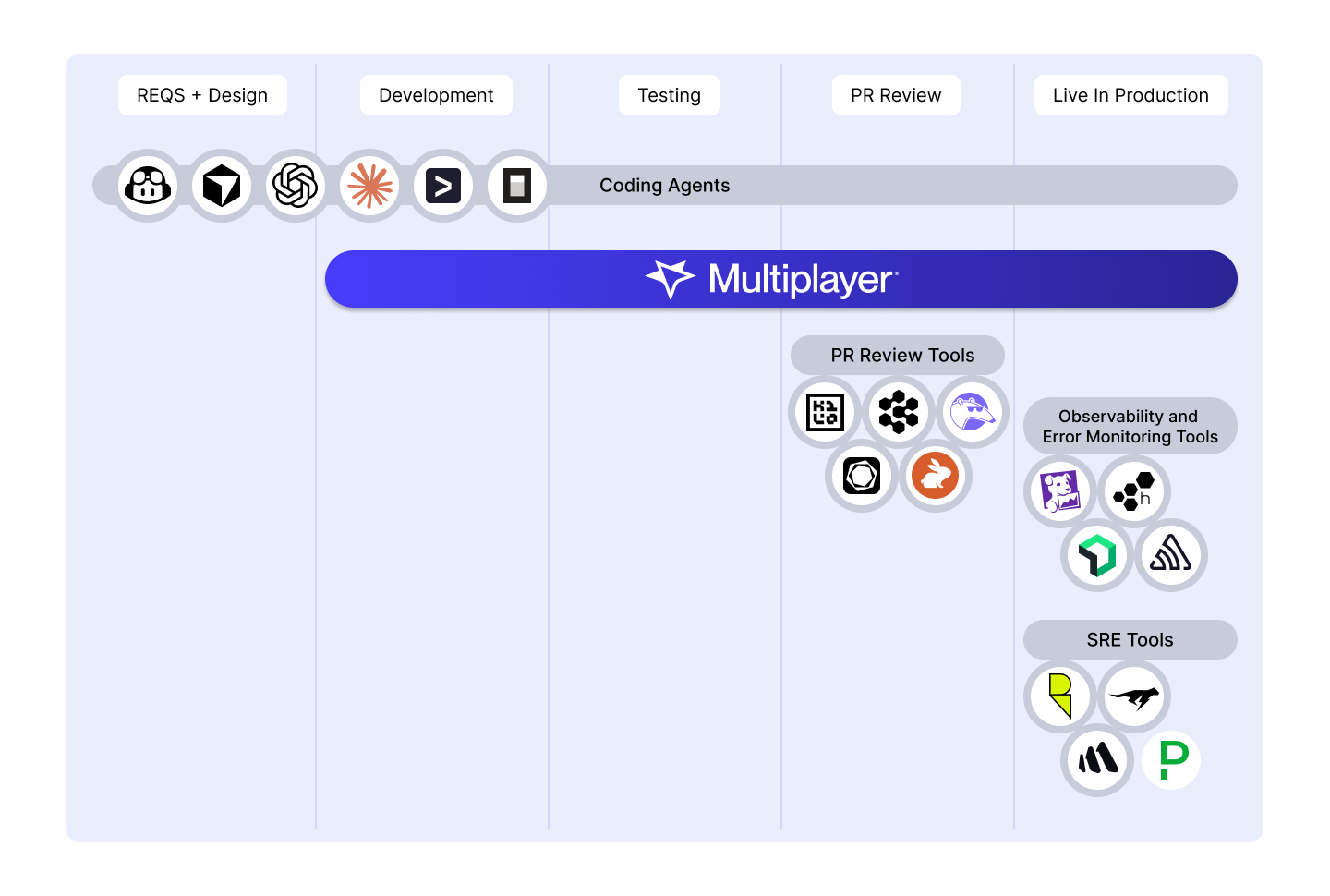
IDEs and AI coding agents
Two ways to connect Multiplayer to a coding agent: the CLI runs the full pipeline automatically, the MCP server gives any MCP-compatible tool access to the same data on request.
Debugging agent CLI
The debugging agent CLI manages the whole process from bug identified to bug fixed: data gathering, intelligent triage and issue deduplication, coding agent prompting, PR creation and user notification. See How the debugging agent works for the full sequence.
Supported:
- Claude Code
- Codex (beta)
- Copilot (beta).
MCP server
The MCP server integration gives any MCP-compatible IDE direct access to the same session data, for working a bug interactively instead of waiting for an automatic fix.
Supported:
What gets shared with your AI:
- Session-based, unsampled, pre-correlated data
- User actions and feedback
- Distributed traces
- Application logs and error messages
- API requests and responses, including headers
- Team annotations and comments
Benefit to your workflow: Without this, describing a bug to a coding agent means copying logs and stack traces by hand, or trying to summarize what happened in a sentence. Both paths above skip that step and hand over the session directly.
Observability tools
Multiplayer is built on OpenTelemetry (OTel), making it backend-agnostic and compatible with any observability stack you're already using.
Compatible with:
How it works: While your APM provides system-wide monitoring and alerting, Multiplayer gives you session-specific visibility that connects user behavior to system behavior. We also collect data APM tools miss like unsampled traces, and request/response content and headers from all system components.
The Multiplayer debugging agent then takes it a step further, feeding that full-stack, unsampled session data to coding agents and managing the whole process from bug identified to bug fixed: data gathering, intelligent triage and issue deduplication, coding agent prompting, PR creation and user notification.
Use Multiplayer and APM tools together to go from passive monitoring to active resolution.
FAQs:
- Multiplayer vs APM Tools
- How Multiplayer backend tracing works
- All the data captured per session by Multiplayer
Issue management
Copy a link to a PR, a debugging session, a recording, or an issue, and paste it into a ticket. Anyone on the team can click through to the full technical context from there, without leaving whatever tracker the ticket already lives in.
Compatible platforms:
- Linear
- Jira
- GitHub Issues
- GitLab Issues
- Azure DevOps
How it works: Copy the URL for a PR, session, recording, or issue from Multiplayer, and paste it into the ticket's description or a comment.
Help desk systems
Copy a link to a session recording, or an issue and paste it into a support ticket. Anyone who opens the ticket, support or engineering, gets the full replay: what the customer clicked, their comments, what broke, and every request, trace, and log behind it, without asking the customer to explain what happened.
Compatible platforms:
- Zendesk
- HubSpot
- Freshdesk
- Intercom
- Any help desk system
Team collaboration tools
Share a debugging session, a recording, or an issue and collaborate on debugging directly within your team communication platforms.
Compatible platforms:
- Slack
- Microsoft Teams
- Discord
- Any collaboration tool
How it works today: Share Multiplayer links in any channel or conversation. Team members can click through to review the session, add annotations, and collaborate on resolution. No need to schedule alignment calls or send lengthy explanations.
Coming soon: Native integrations will provide rich previews, and notifications. Contact us for more information about our integration roadmap.
FAQs
Can I use Multiplayer if you don't have a dedicated integration for my tool? Yes! You can share Multiplayer session links in any tool that accepts URLs, which is essentially every modern development and support tool.
When will dedicated integrations be available? We're actively developing integrations for Slack, Linear, Jira, GitHub Issues, Zendesk, and more. Contact us for more information about our integration roadmap.
Can I request an integration? Absolutely. Let us know which tools are most important to your workflow, and we'll prioritize accordingly.
Will dedicated integrations change how I use Multiplayer? No. Dedicated integrations will enhance your workflow with richer experiences, but the core functionality—sharing session context across tools—remains the same.
Next steps
🚀 If you’re ready to trial Multiplayer with your own app, you can follow the steps in the quickstart.
📌 If you have any questions or want to report bugs please open a GitHub issue! 💜