Multiplayer MCP server: brings full stack session recordings into your IDE of choice
Multiplayer MCP Server streams full stack session data into your IDE. Give AI tools complete context for accurate fixes: frontend, backend, annotation.

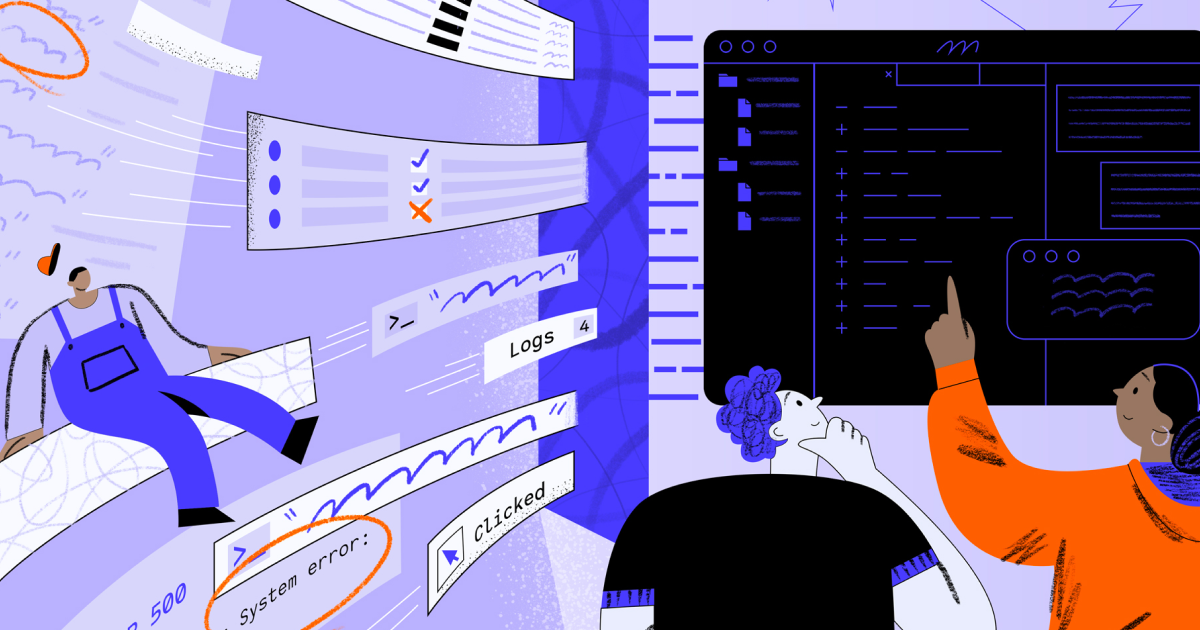
AI-powered IDEs and copilots have made it easier to scaffold code and suggest fixes, but when it comes to debugging real systems they often fall short.
The problem isn’t with the models themselves: it’s with the data they’re given. Without full context, AI assistants hallucinate plausible-sounding (but useless) fixes. Developers are forced to bounce between logs, traces, dashboards, and bug reports to piece together the real story, wasting hours on context switching. Even then, it usually takes multiple rounds of prompting and refinement before the AI produces something actionable.
Existing MCP servers address part of the problem. But only part. Some surface APM data like backend traces and metrics, others expose frontend replays. Useful, but again, incomplete.
What they don’t provide is the full picture: frontend screens, backend data, user steps, and team annotations correlated together. Exactly the kind of context a developer would need before coding a fix.
Multiplayer MCP server overview
The Multiplayer MCP Server makes full stack session recordings available to MCP-compatible AI tools like Cursor, Claude Code, Copilot, or Windsurf.
Instead of giving your IDE a sliver of the picture (i.e. just observability data from an APM tool, or just a frontend replay) you can now feed it the entire session context:
- Frontend screens and data (console logs, network requests, and device details, etc.)
- User actions and feedback
- Backend traces, logs, requests/response content and headers
- Annotations, comments and sketches from the engineers, directly on the recording
That means no missing data, no guesswork. Your copilots stop hallucinating fixes for issues that don’t exist and start producing accurate code, tests, and features with minimal prompting.
Imagine telling your IDE: “Implement this new feature based on the requirements in this recording,” and actually getting code that compiles and runs.
How it works
Multiplayer is designed to adapt to every support and debugging workflow, which is why we support multiple install options, recording modes and multiple options on how to send telemetry data (and how much) to Multiplayer.
It's a "choose-your-own-adventure" type of approach so that teams can mix and match the configuration that best fits their application needs. Once you've fully configured Multiplayer, you can:
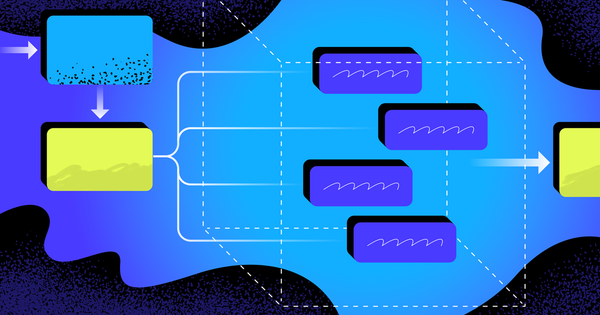
- Capture a full stack session recording: Capture the entire stack (frontend screens, backend traces, logs, metrics, full request/response content and headers) all correlated, enriched, and AI-ready in a single timeline.
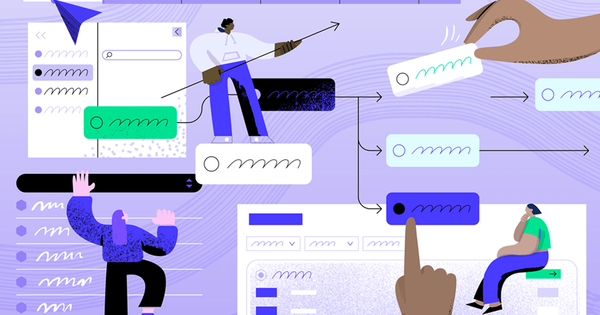
- [optional] Annotate: Add sketches, notes, and requirements directly to recordings. Highlight interactions, API calls, or traces and turn them into actionable dev plans or AI prompts.
- Install: The MCP server makes all that rich session data available to copilots and IDEs.
- Act: Ask “Fix the bug from this session,” or “Move this button based on the sketch in this recording” and get accurate results without hunting data.
Choose your preferred tool and follow the setup guide:
Multiplayer MCP server in action
Debugging
Priya C. (Developer, Insurance Company) uses Multiplayer MCP to debug her distributed system issues by providing Cursor with a full-stack session recording. Instead of juggling logs, traces, and Slack threads, she sends the session recording context directly into her AI IDE to diagnose and resolve the bug faster.
An example prompt that she uses is:
Review this Multiplayer session recording < Session Link Placeholder >. Analyze the user actions, backend traces, and logs to identify the root cause of the failure. Provide a step-by-step debugging plan and suggest code changes needed to resolve the issue.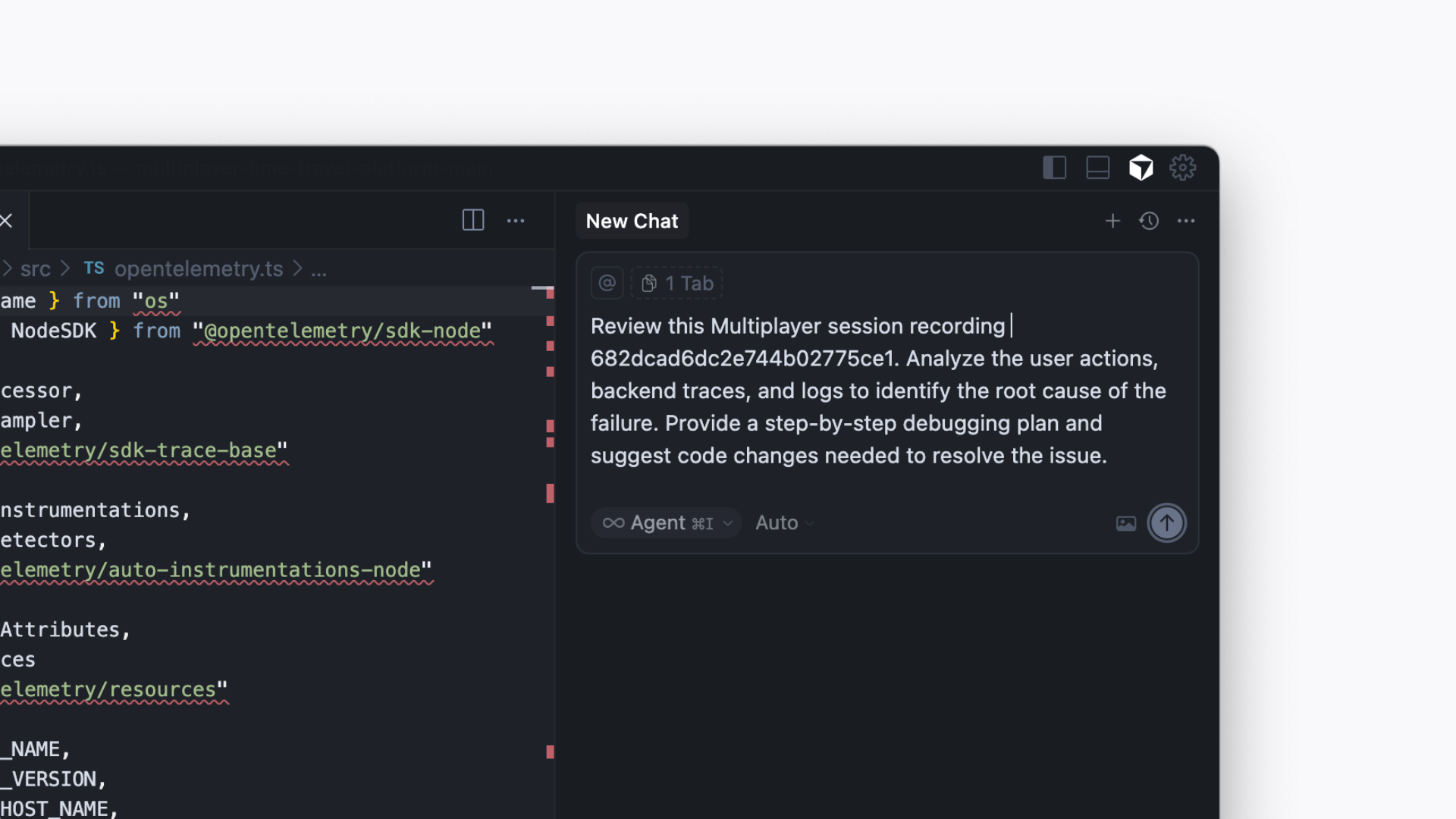
Feature development
Luis G. (Principal Engineer, FinTech Company) uses Multiplayer MCP to transform full-stack session recordings into feature development plans. By annotating directly on session replays (highlighting API calls, backend traces, or UI elements) he provides his AI IDE with precise, context-rich requirements for implementing new features without ambiguity.
An example prompt that he uses is:
Review this Multiplayer session recording and notes for < Session Link Placeholder >. Use the highlighted API calls and UI sketches to generate a development plan, including new routes, backend changes, and frontend updates. Provide proposed code snippets for each step.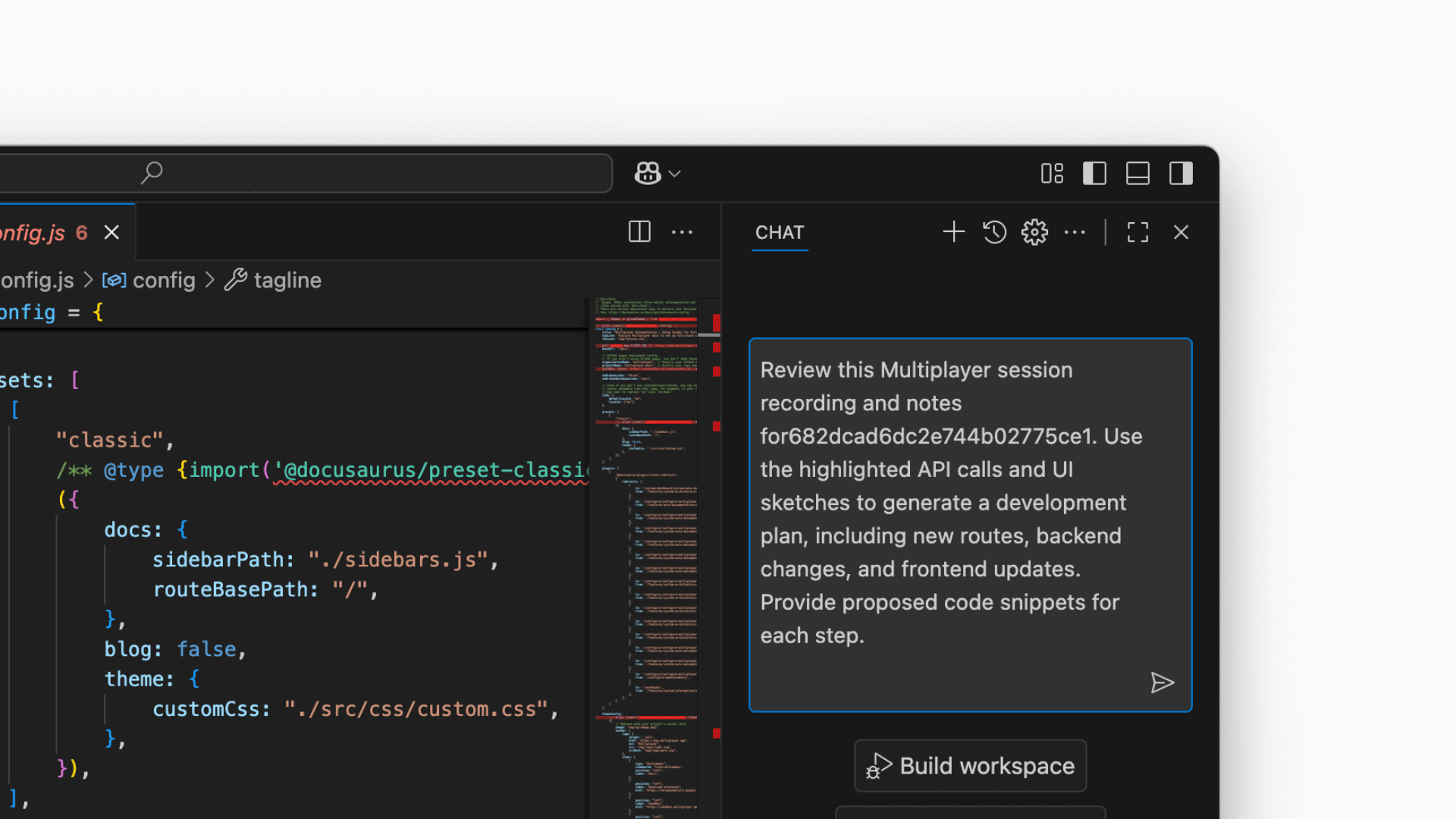
System exploration and understanding
John V. (Product Manager, Commercial Bank) uses Multiplayer MCP to analyze full-stack session recordings and uncover how their complex system behaves under the hood. By feeding end-to-end data into his AI assistant, he can explore how features interact across services and anticipate the downstream impact of proposed changes before they’re implemented.
An example prompt that they use is:
Review this Multiplayer session recording < Session Link Placeholder >. Analyze the top-level and error traces to explain:- Which core services and APIs were involved in this workflow.- How these components might affect downstream components or user experience.- Provide a summary that highlights potential bottlenecks or areas for improvement.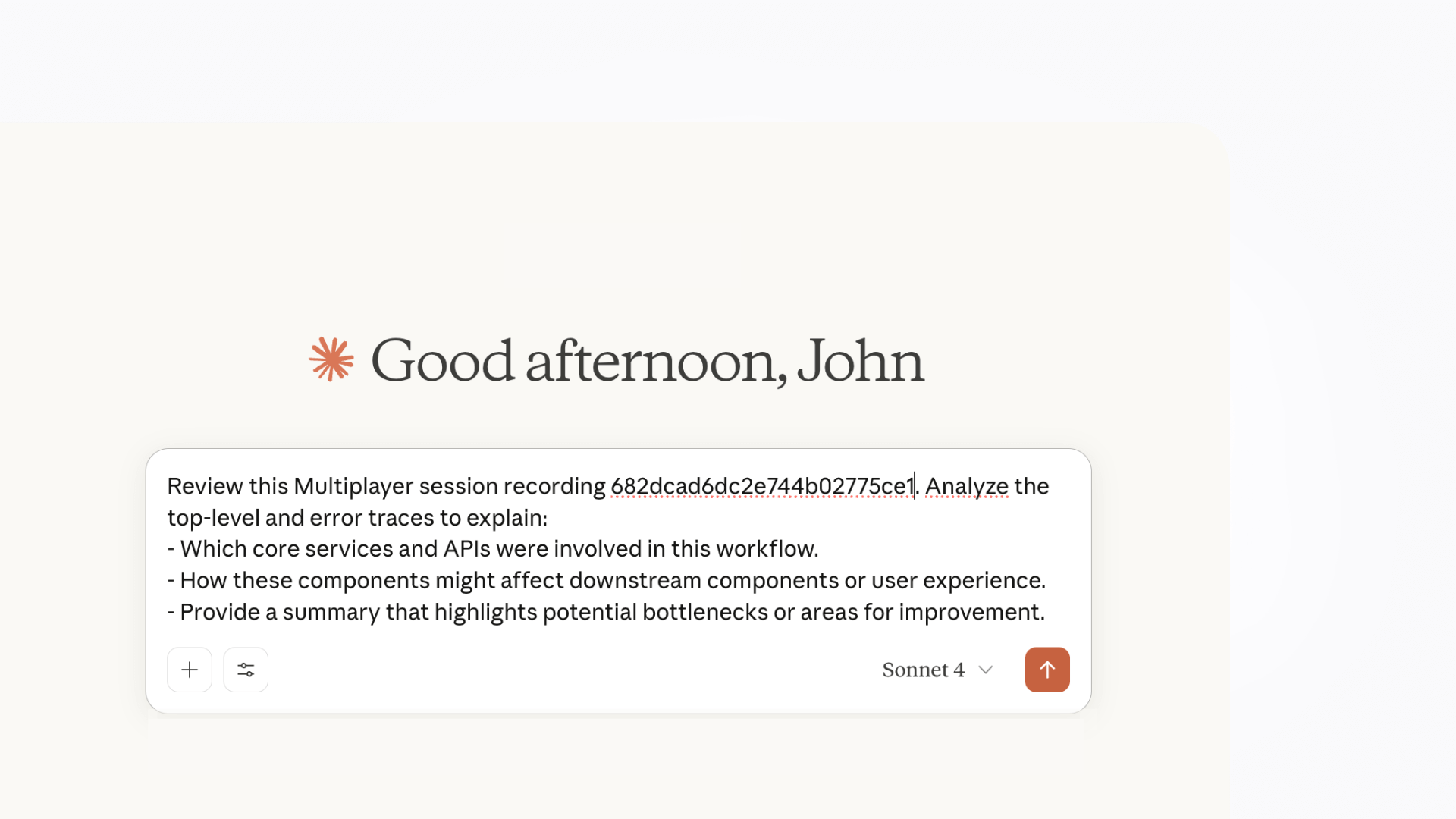
Your AI IDE is only as smart as the data you give it
At the end of the day, your AI IDE is only as smart as the data you feed it.
Other MCP servers can help, but with partial context you still get partial results. Multiplayer MCP delivers the whole stack: frontend screens, backend traces, logs, request/response content, headers, and team annotations, all correlated in a single session.
Which means faster fixes, fewer regressions, and less back-and-forth between humans and machines. That’s how you turn copilots and coding agents into genuinely useful partners in day-to-day engineering.
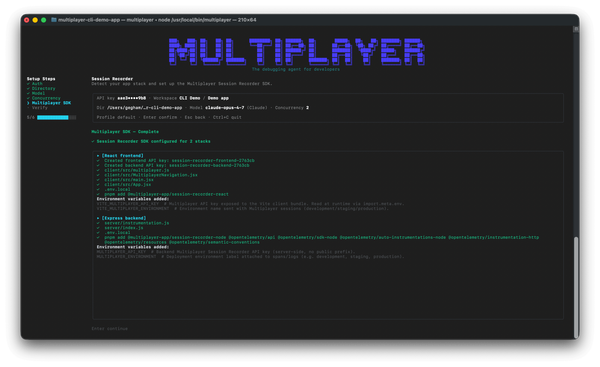
One copy/paste in your terminal and the debugging agent is running:
npm install -g @multiplayer-app/cli && multiplayer
Rather explore first?👇