Documenting API
integrations
Continuous, automated documentation: capture how integrations actually behave, reducing manual work and making every integration easier to maintain.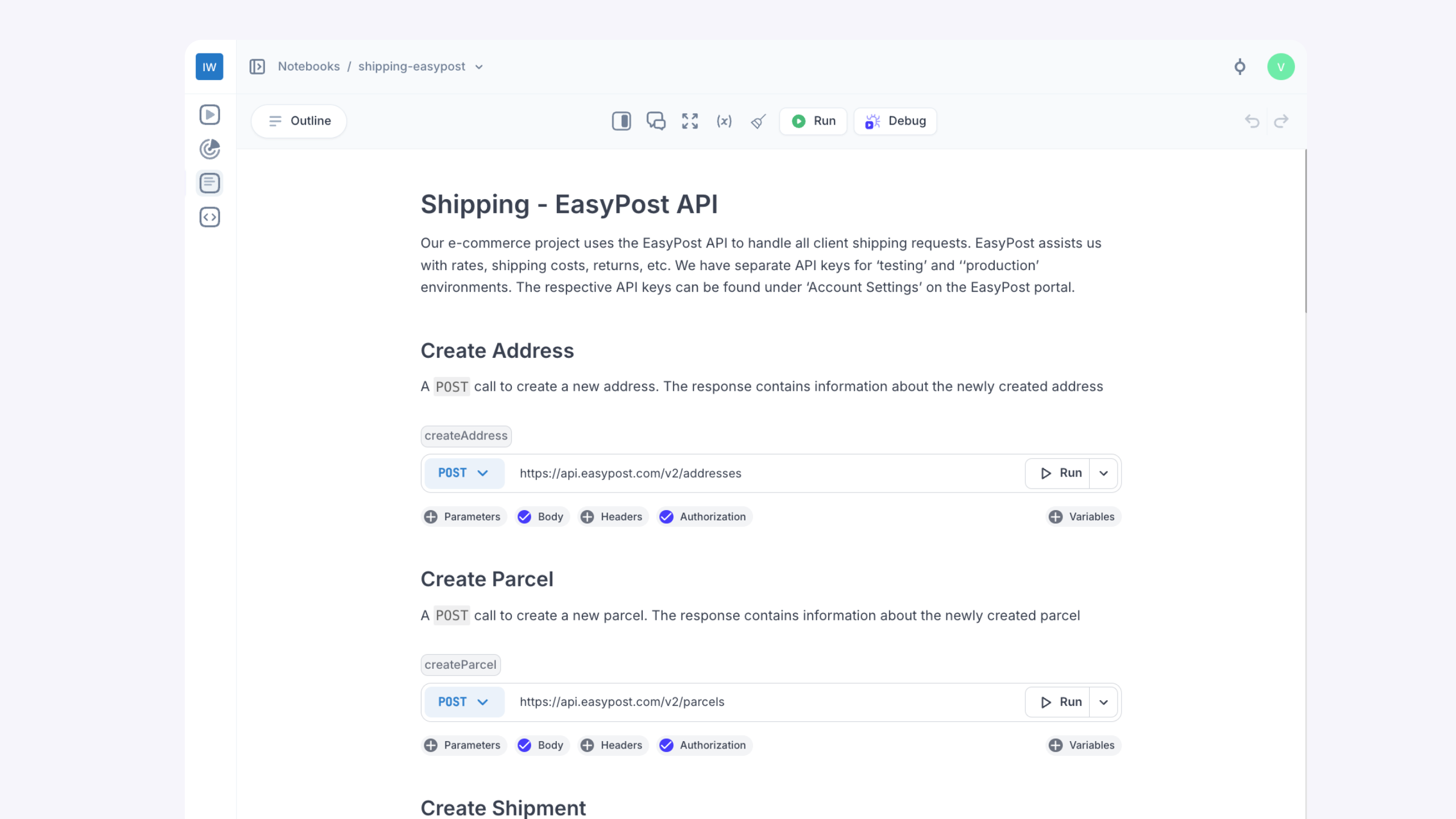

“Before Multiplayer, integration logic lived in six places. Now it’s all in one Notebook—code, API calls, decisions, and edge cases—shared across teams.”

API integration documentation that writes itself.

Problem
- Slow, painful integrations due to outdated, or incomplete documentation
- Fragmented context across tools and teams leads to time-consuming context switching
- Confusion and misalignment caused by static docs that don’t reflect actual system behavior
- Accumulated technical debt due to lack of system architecture insights and API design rationale
- Breaking changes due to poor versioning and compatibility tracking
Solution
- Live, executable API documentation that includes real-time details on endpoints, parameters, responses, errors, versioning, system architecture, and design decisions
- A unified workspace to effectively design, understand, test, document, and debug API integrations without jumping between tools
- APIs are automatically discovered and documented, with visibility into changes across environments, versions, endpoints, and dependencies
- Bugs are caught early through collaborative design and resolved quickly with the Multiplayer debugging agent
Write executable documentation for real-world integrations
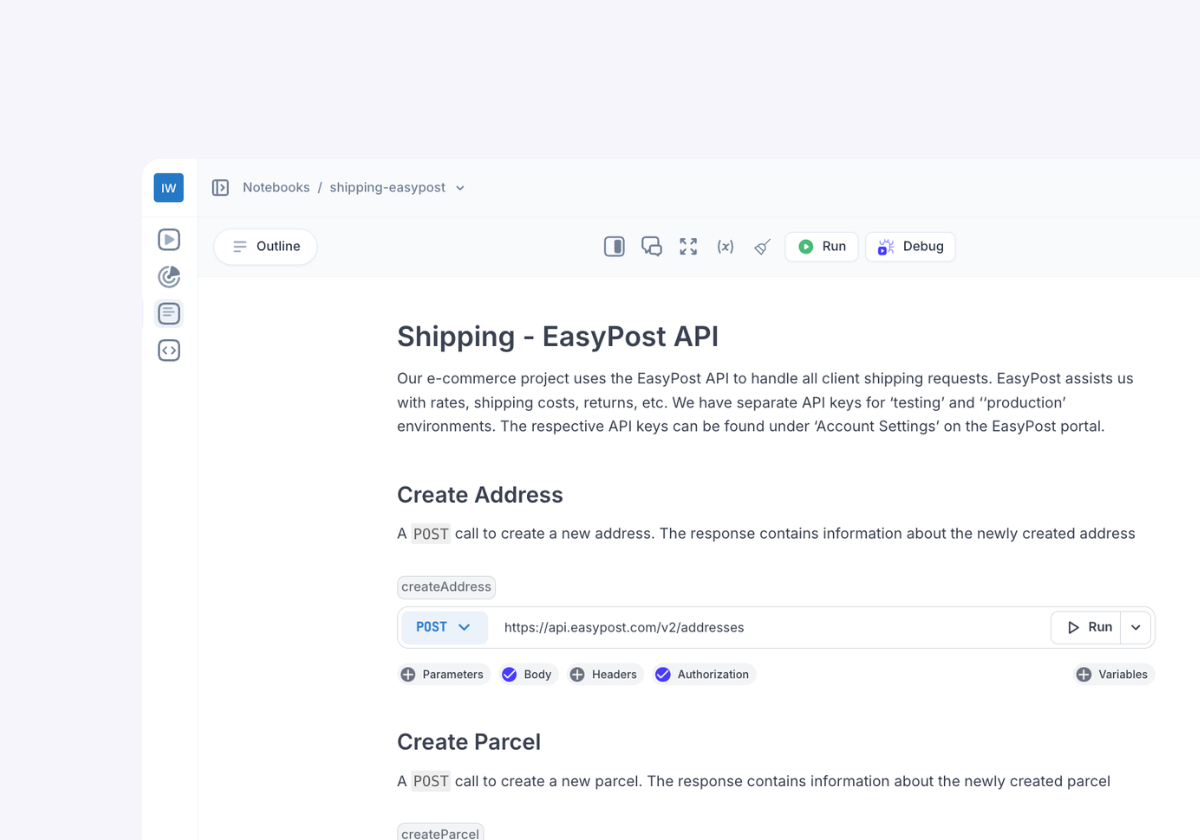
Use API blocks, code blocks, sequences and visualization blocks to build always-accurate, interactive documentation based on real system behavior. Your docs run live requests, return real responses, and show exactly how the integration works.
Why choose Multiplayer Notebooks to document your API integrations?

Always-up-to-date documentation
Docs that are accurate and reliable from the start and throughout all your system evolutions. Built from real API calls, code, and runtime behavior.
One shared workspace
Design, test, document, and debug integrations in one place. No more syncing across wikis, Postman collections, and Slack threads.
Full visibility into real system behavior
Documentation that automatically reflects how integrations actually behave across environments, including request flows, edge cases, and service dependencies.
Faster, smoother integrations
Clear, executable documentation reduces onboarding time, eliminates guesswork, and helps teams build and ship integrations faster.
More maintainable over time
Live docs ensure less manual overhead and accumulated technical debt, limiting outdated references, duplicative artifacts, or context gaps.
Fewer bugs and regressions
With auto-generated test scripts and the debugging agent embedded in your workspace, teams catch issues early and prevent past bugs from coming back.Start today for free
pairs with
Debugging agent for developers
The Multiplayer debugging agent connects your favorite coding agent to prod to fix application bugs automatically. It manages the whole process from bug identified to bug fixed: data gathering, intelligent triage and issue deduplication, coding agent prompting, PR creation and user notification.pairs with
Notebooks
Combine executable code blocks, API calls, specs, and unsampled, full-stack session data to validate flows, generate test scripts, or debug, test, and document API integrations.The easier it is for developers to integrate with your API, the more widely it will be adopted
Modern documentation for fast-moving teams building and maintaining complex API integrations.| Feature | API Tools | Multiplayer |
|---|---|---|
| Test API calls | ||
| Collaborate with external teams (Devs, Partners, QA, CS, etc.) | ||
| Write and run inline code within API workflows | ||
| Chain API and code blocks together | ||
| Test multi-step integrations | ||
| Debugging agent to automatically fix bugs next to your coding agent | ||
| Auto-generate test scripts | ||
| Embed explanations, ADRs, design notes | ||
| Embed graphs and tables |
Docs you can run, not just read
Use Multiplayer, build better API integrationsSelf-host Multiplayer for free straight from the repo.
Open a GitHub issue for any questions or issues
Check out our in-depth technical documentation.
Best practices on system design, debugging, and observability.