Full stack session recordings: end-to-end visibility in a single click
Multiplayer gives your team full stack session recordings so you have all the context you need to fix bugs, build features, and supercharge your AI tools. This is all the data you wish was easy to get from your APM tool and screen recorder - all in one place.

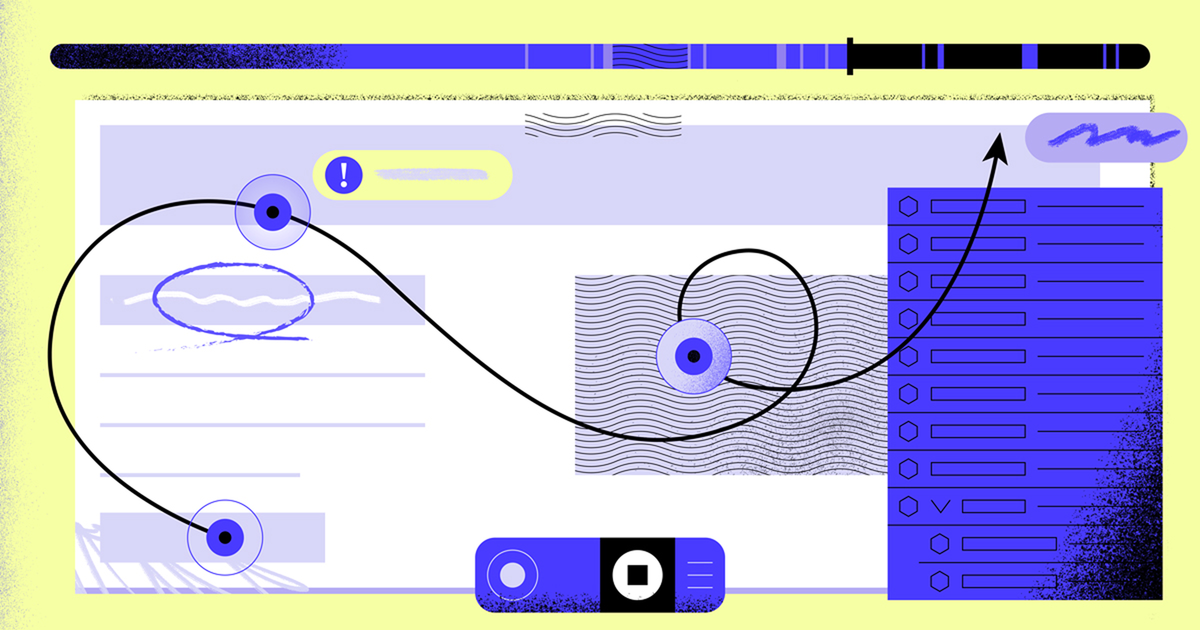
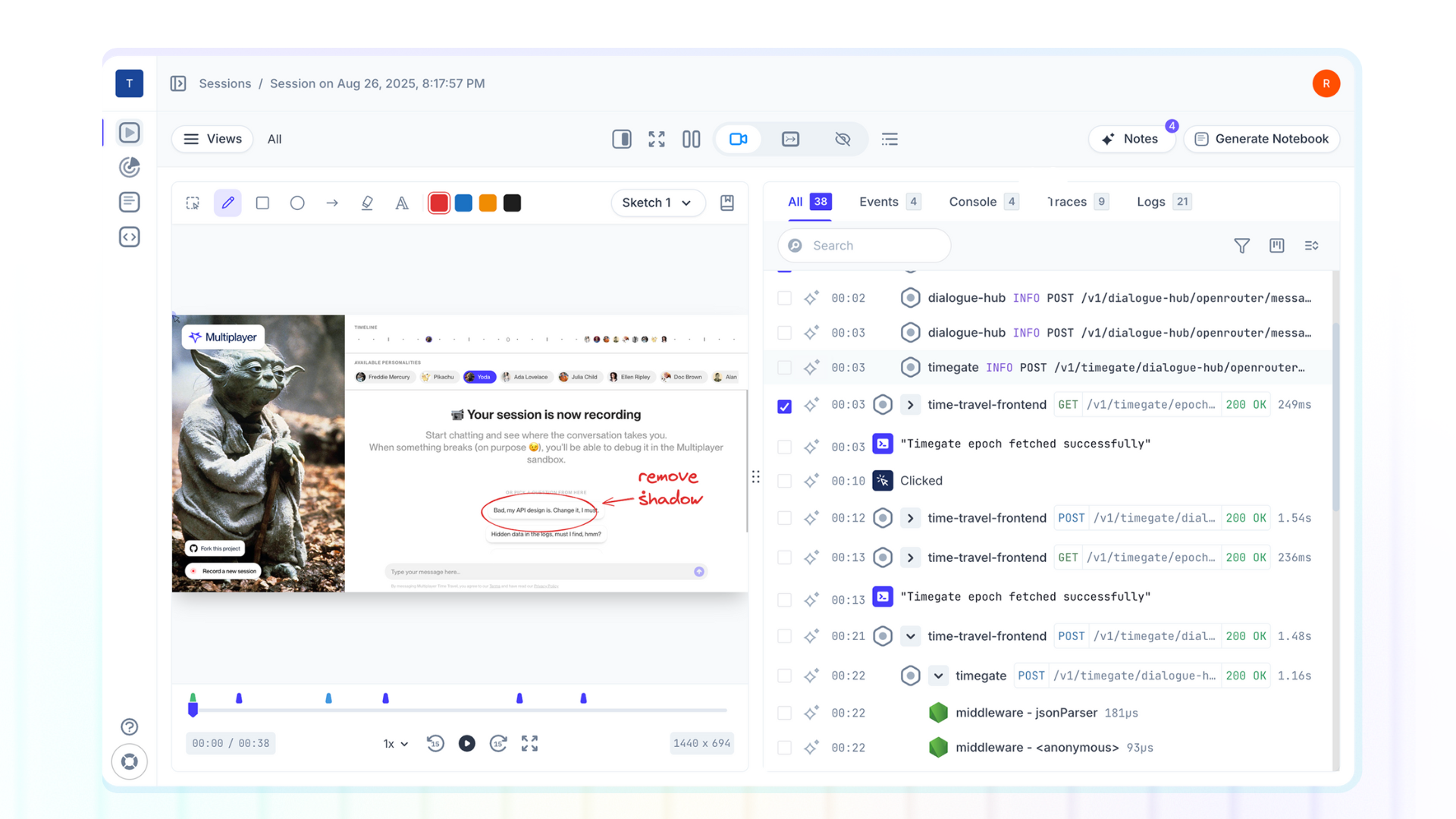
A full stack session recording captures the entire path of system behavior (from the frontend screen to the backend services) automatically correlated, enriched, and AI-ready.
In a single replay, you see:
- The screens and actions a user took
- The backend traces and logs triggered by those actions
- The request/response content and headers exchanged between all your components
- Metadata like device, environment, browser, etc.
- User feedback, plus annotations, sketches, and comments from the engineering team
Instead of stitching together screenshots, console logs, APM traces, and bug tickets, a full stack session recording shows you the whole story, end to end.
Traditional session replay tools
Most tools that promise “visibility” into your system fall into one of three buckets:
- Frontend session recorders (e.g. FullStory, LogRocket, Jam): Great at showing what the user saw and clicked, but they stop at the browser. Some bolt on backend visibility via integrations, which means extra cost, more tools to manage, and sampled data.
- Error monitoring tools (e.g. Sentry): Useful for flagging what broke, but it's not purpose-built for collaborative debugging workflows. When you need to resolve a specific technical issue, you're left sifting through sampled session replays, manually correlating disconnected context from separate tools, and coordinating slow handoffs between support, frontend, and backend teams.
- APM/observability platforms (e.g. Datadog, New Relic): Perfect for monitoring system health and long-term trends, but not for surgical, step-by-step debugging through a session replay.
How is Multiplayer different
Multiplayer is different. It gives developers the entire story in one session, so you don’t waste hours context-switching between tools, grepping through logs, or chasing repro steps.
✔️ Compatible with any existing ticketing help/desk system (e.g. Zendesk, Intercom, Jira)
✔️ Multiple options to record, install, and integrate session replays. Multiplayer adapts to your support workflow.
✔️ Developer-friendly and AI-native. Compatible with any observability platform, language, environment, architecture, and AI tool. You can also host in the cloud or self-host.
Everything you need, for any support scenario, out of the box
Multiplayer adapts to every support workflow. No extra tools, no manual workarounds, no rigid setup. Whether you’re handling a question about “unexpected behavior” or a complex cross-service incident, Multiplayer gives you the full context to resolve it.
What makes full stack session recordings powerful?
Where traditional replays stop at the UI, full stack session recordings go deeper, capturing the entire stack, automatically.
Multiplayer makes that power practical with:
- Full stack data by default: From user actions and feedback to backend traces and logs, including details most tools miss (like request/response content and headers from middleware and internal service calls).
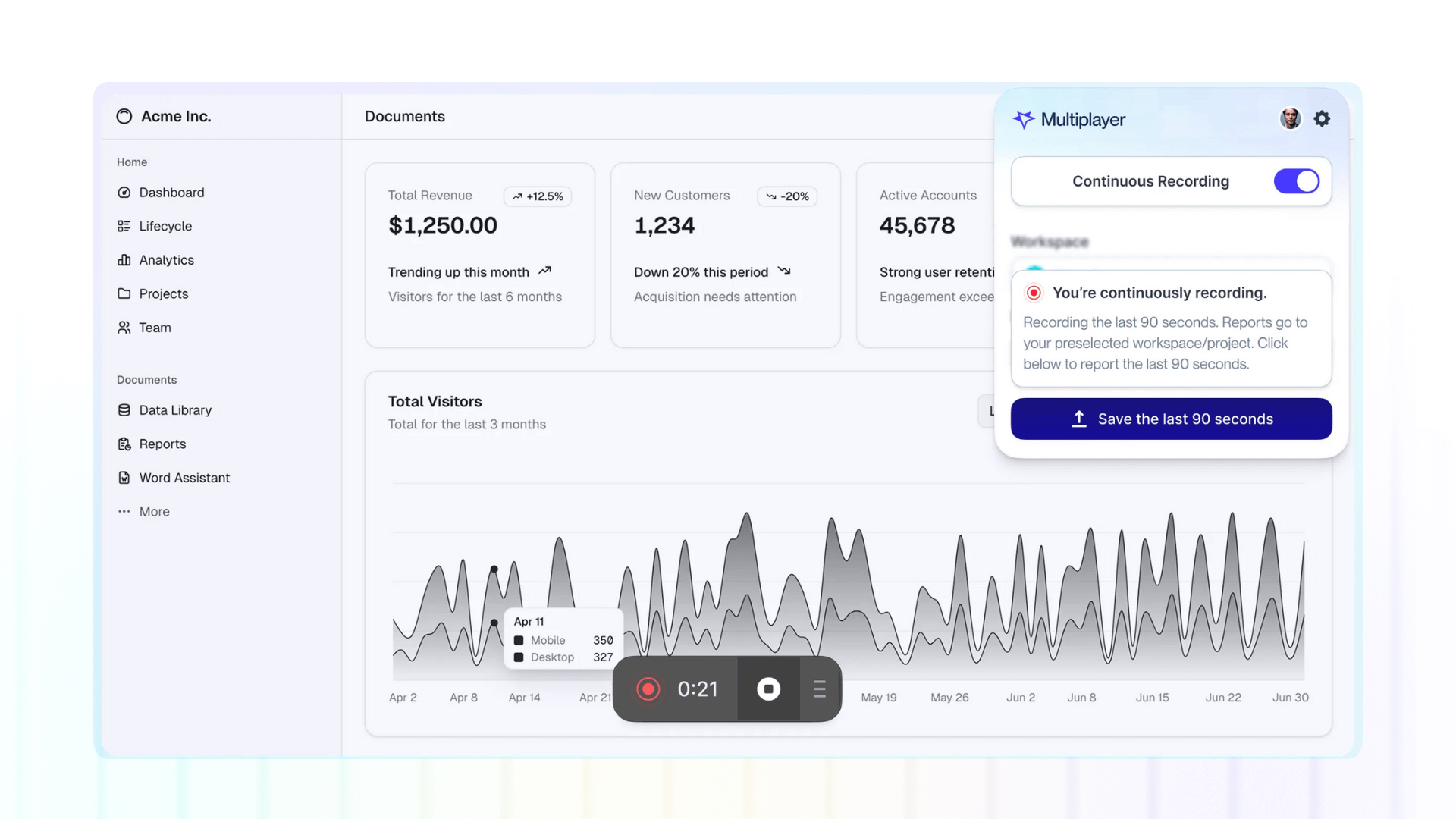
- Flexible recording modes: on-demand, continuous, or conditional
- Multiple install options: browser extension, in-app widget, or SDK / CLI apps
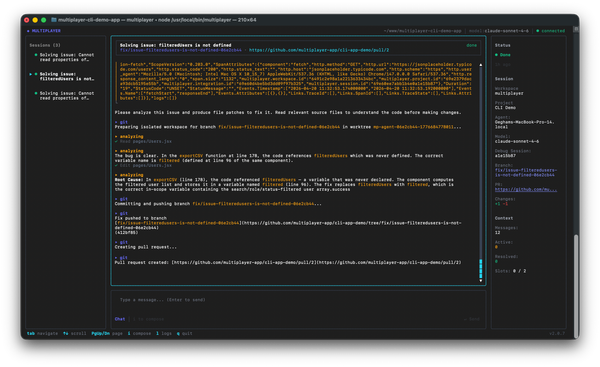
- Rich collaboration features: view, share, and annotate every aspect and data point of a session recording or collaborate in notebooks (interactive sandbox environments) to auto-generate runnable test scripts, test complex API integrations, collaborate on feature requirements or visualize data sets.
- AI-native design: feed your copilots and AI IDEs the complete system context they need.
With Multiplayer, a single session replay isn’t just a playback of what happened: it’s a complete, actionable view of your system that accelerates debugging, validates fixes, and fuels development.
Run it locally, for free👇